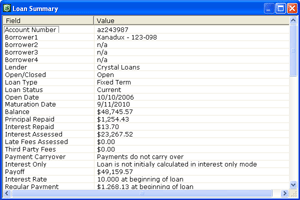
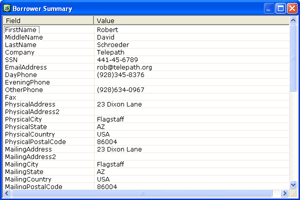
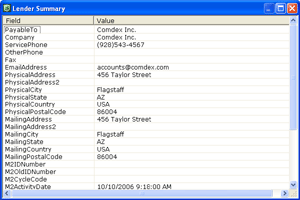
 Open these three dialogs by right-clicking a loan in the list of loans and selecting ,
, or . Each shows the full contents of the
corresponding record. These dialogs make it easy to quickly look up information, such as terms of a loan or contact information for a borrower or lender.
Open these three dialogs by right-clicking a loan in the list of loans and selecting ,
, or . Each shows the full contents of the
corresponding record. These dialogs make it easy to quickly look up information, such as terms of a loan or contact information for a borrower or lender.
|
 |
 |
|
